
This is article 1 of the Cloud-Native Endpoint Series. This is a nugget-sized how-to series where I want to showcase how to unlock capabilities to achieve the full cloud-native end goal. 💡Value of going Hybrid? ➡You have the immediate opportunity to use Entra and Intune-related policies and settings.➡You are already making an effort to move … Continue reading 1. Cloud-Native Endpoints: Intro
Tag: Microsoft
OAuth App Governance

How often do you check and track the Apps list or the app permissions in Enterprise apps in Microsoft Entra? Is that only when you need to register or create a new app? How about user-installed apps? What controls do you have on users' consent on apps? Or know what apps are making excessive calls … Continue reading OAuth App Governance
Configure Windows LAPS in Intune – March 2025 Update
Local Admin Password Solution has come a long way and the March 2025 Update (Service release 2503) had some good enhancements for the solution. Randomizing the LAPS username is one of them. Rather than enabling the local Administrator account or creating a special admin account for LAPS, having an auto randomizing username sounds confusing to … Continue reading Configure Windows LAPS in Intune – March 2025 Update
Let’s Get Started with Security Copilot

Why Security Copilot? Copilot is everywhere these days. I often make this joke, Is there a Copilot for Copilot? Maybe a dull joke. But jokes aside, Copilot continues proving that this is the way forward for everything Microsoft. AI technology is inevitable, and using it in the responsible way is the right thing to do. … Continue reading Let’s Get Started with Security Copilot
QR Code Authentication for Front Line Workers – Setting Security Controls From the Get Go!

In today's threat landscape, the adversaries are trying to get into organizations in any way they can. New authentication methods are being introduced, and a combination of those methods or auth strengths are too. If you check the demographic of the QR code authentication as advised by Microsoft (which is in Public Preview as of … Continue reading QR Code Authentication for Front Line Workers – Setting Security Controls From the Get Go!
🎙Out of Band: Microsoft Security Podcast. EP01: Boots on Ground

Excited to bring the Out of Band: A Microsoft Security Podcast EP01 - Boots on Ground.In this episode, we discuss:- The Microsoft Summer Bootcamp highlights and the overall experience,- Microsoft Secure Future Initiative and what it means to Windows and the overall ecosystem, and- We navigate a password hash synchronization challenge and how to resolve … Continue reading 🎙Out of Band: Microsoft Security Podcast. EP01: Boots on Ground
Identity Nugget – Bringing On-Prem AD Password Expiry and Force Reset to Entra ID Synced Accounts

This is 2025 and going Passwordless or using long-lived (365 days) passwords is the recommendation. However, this has been a question for most customers wherever I go. But if you ask, everyone is using their own way to work around this. One popular method is notifying users of the password expiry like a set of … Continue reading Identity Nugget – Bringing On-Prem AD Password Expiry and Force Reset to Entra ID Synced Accounts
How to Configure Entra Identity Governance Features with Private Access for Jump Hosts

TL;DR: Jump Hosts - We login to Jump Hosts to then login to the servers and other apps we need to access mainly to perform admin tasks. Jump Hosts are often secured on the Network Layer and other Windows Permissions which will come into play when the admin logs in. But what can be done … Continue reading How to Configure Entra Identity Governance Features with Private Access for Jump Hosts
My 2024 LinkedIn Rewind and Thank you!

https://coauthor.studio/rewind was awesome as it just collates all the LinkedIn activities. And as 2024 is coming to an end, it is always to look back what you have accomplished and what impact you have had on the community. Looking forward to 2025! I would like to thank everyone who is reading my blogs and getting … Continue reading My 2024 LinkedIn Rewind and Thank you!
The 3 Stages of CA Policy Maturity – Lessons from the Field

Not too long ago I spoke in the Adelaide Microsoft IT Pro User Group regarding Conditional Access Policies (CA policies) we all know and love. It was not a 100% technical how-to discussion as chances are you are already using this in your environment. If I break down my presentation into 3 main parts, it … Continue reading The 3 Stages of CA Policy Maturity – Lessons from the Field
Identity Centric Zero-Trust Network Access (ZTNA) and Entra Private Access 🌐
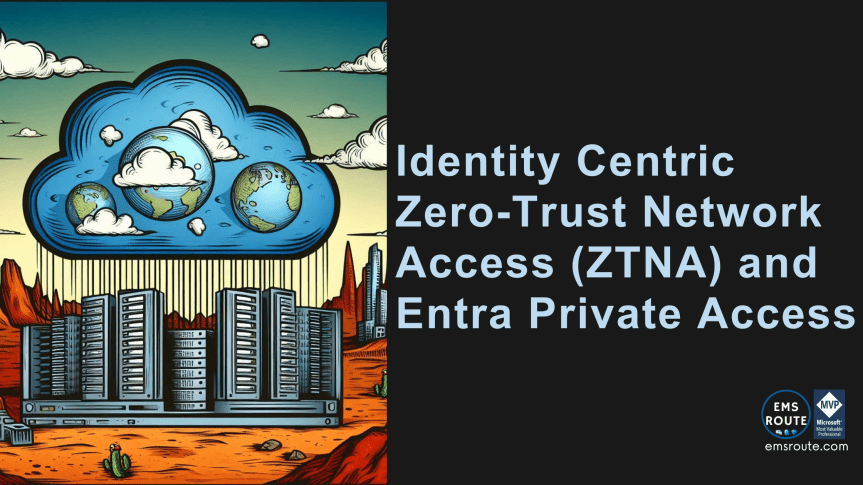
I've been doing a lot of research into Microsoft's new Global Secure Access recently as most of the features have gone on General Availability. Entra Private Access caught my eye. However, before discussing the feature, it is wise to discuss about the underlying technology that Entra Private Access uses and then jump on to it. … Continue reading Identity Centric Zero-Trust Network Access (ZTNA) and Entra Private Access 🌐
How to Configure Cloud Kerberos Trust to Authenticate an Entra ID Joined Device Using Windows Hello for Business (WHfB)?

Long topic and number of jargon. Cloud Kerberos Trust, Windows Hello for Business (WHfB), Entra ID Joined. Let's break them down one by one and see how Cloud Kerberos Trust will help you in the cloud journey. This in fact will remove one more on-prem dependency. Exciting, isn't it? Let's dig in. What this article … Continue reading How to Configure Cloud Kerberos Trust to Authenticate an Entra ID Joined Device Using Windows Hello for Business (WHfB)?
💻 Intune Policy refresh intervals Vs. Config Refresh in simple terms
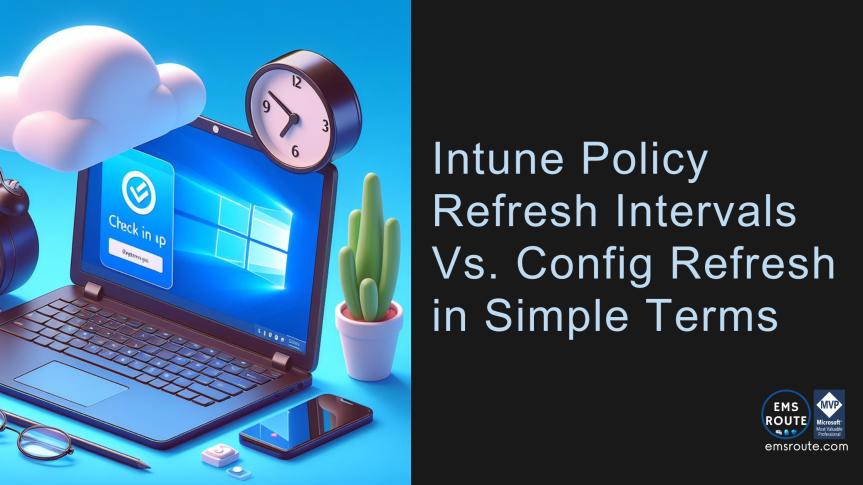
These are similar-looking terms that perform two different tasks and this quick nugget is to unpack what they do. ⚡Policy Refresh Intervals⚡ This is the standard way for the device to check in with the Intune service to receive the policies and settings.When the device is enrolled with Intune for the 1st time, notifications will … Continue reading 💻 Intune Policy refresh intervals Vs. Config Refresh in simple terms
Control Device Code Flow With Entra ID Conditional Access Policies
With the latest developments in Entra ID Protection space, Conditional Access Policies got a bit of a facelift with the Authentication Flow control feature. Still, in Preview, Device Code Flow and Authentication Transfer are the features introduced with the Authentication Flows. I want to cover the Authentication Transfer process in a different article so this … Continue reading Control Device Code Flow With Entra ID Conditional Access Policies
5 Practical Usages of PIM for Groups Explained
I have always been a huge advocate of Entra ID Governance and its usage. It is paramount to make sure the Identity Governance health is in a good position while applying the best practices because Identity is an attack vector, period. Once a bad actor gets hold of the identity, accessing confidential data, Azure resources, … Continue reading 5 Practical Usages of PIM for Groups Explained
Microsoft Intune Enterprise App Catalog is Here!
As announced in Microsoft Ignite 2023, the latest addition to the Intune Suite features the Enterprise Application Management and it's Enterprise App Catalog is finally GA as of today. This will remove a lot of hassle that the Device Management Admins need to go through in re-packaging apps in to a .intunewin file and adding … Continue reading Microsoft Intune Enterprise App Catalog is Here!
Device Hardening with Intune Security Baseline for Windows Policy

The word on the street is not "If I get hacked" but "when I will get hacked" and securing your infrastructure starts from your end users and devices and hardening those devices that the users use every day has never been so important. Security Baseline policy for Windows 10 and later. This is one of … Continue reading Device Hardening with Intune Security Baseline for Windows Policy
From ConfigMgr to Fully Intune Managed in 2024. Let’s Make That a Reality

If you have Config Manager today and if you are thinking or planning on moving the devices and the workloads to Intune, this article is for you. If you are in that state today, chances are you have a stable (or near stable) method of managing the devices, patch updates, and GPOs. Moving the capabilities … Continue reading From ConfigMgr to Fully Intune Managed in 2024. Let’s Make That a Reality
Infographic – Migrate MFA and SSPR Policies to the Converged Authentication Methods Policy

Some useful URLs apart from the below infographic: ❤ Microsoft Learn doc converged-authentication-methods-policyDownload
🎙️MS EMS Community Podcast EP04
https://www.youtube.com/watch?v=XWvXVCIUm2c In this episode, myself along with Jonas Bøgvad , Andrew Taylor MVP, Lewis Barry and Eric Woodruff, CIDPRO discusses about,⚡️Intunemaps.com and the thought process behind that⚡️An in-depth look at AAD App Registration⚡️An in-depth look at the PRT⚡️MFA Number matching⚡️FIDO and Security
 EMS Route